Video Tutorial:
1. Registration Process
1.1. Navigate to the Nota Sign Homepage
-
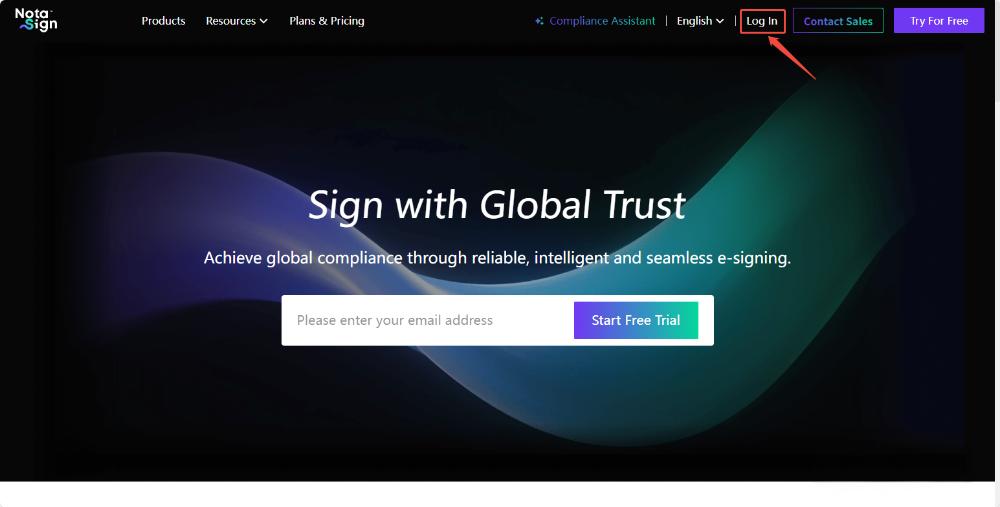
Open your browser and go to https://www.notasign.com
-
Click Log In in the top-right corner of the homepage.
1.2. Create a Personal Account
-
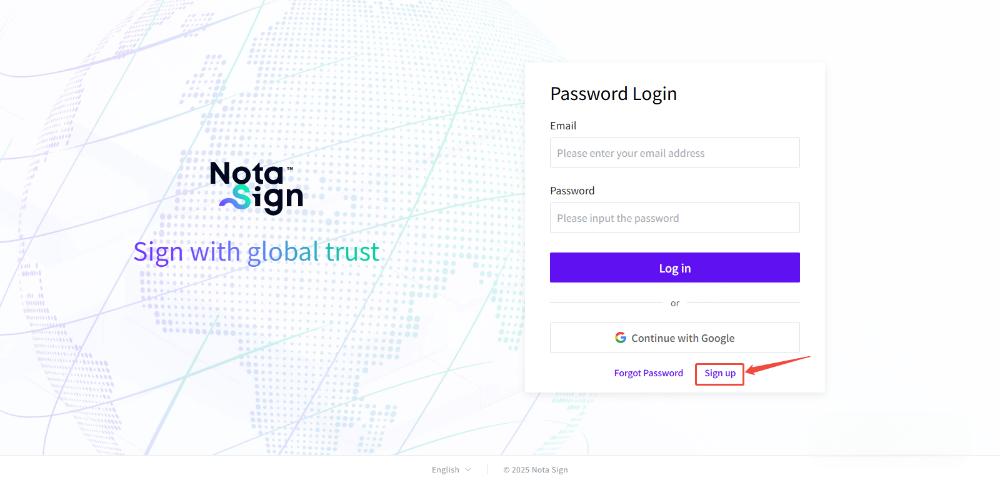
On the Log In page, click Sign Up at the bottom right.
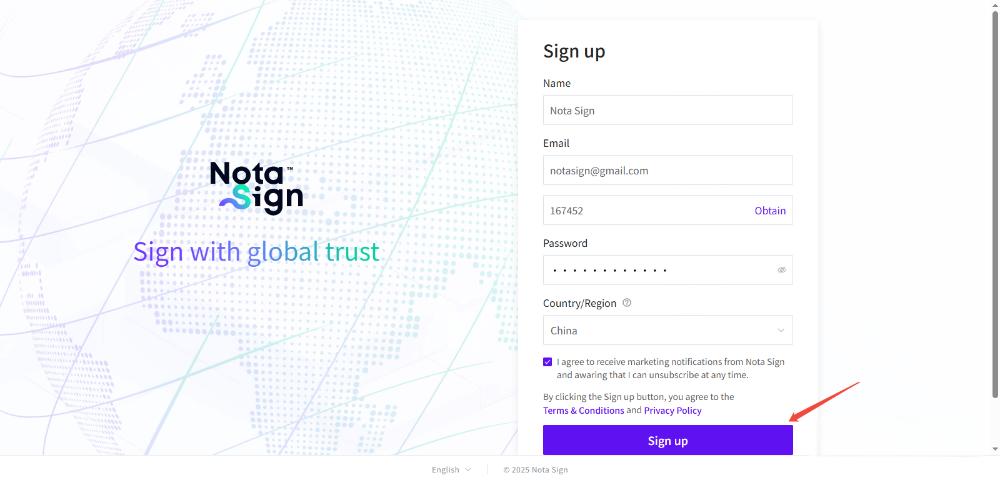
Complete the registration form by providing the following information:
- Name: Enter username.
- Email: Provide a valid corporate or personal email. A verification code will be sent to this address.
- Password: Create a strong password (minimum 12 characters, including letters, numbers, and symbols).
- Country/Region: Select your country/region from the dropdown list.
-
Review and agree to Nota Sign’s Terms & Conditions and Privacy Policy by checking the acknowledgment box.
-
Click Sign Up to complete registration.