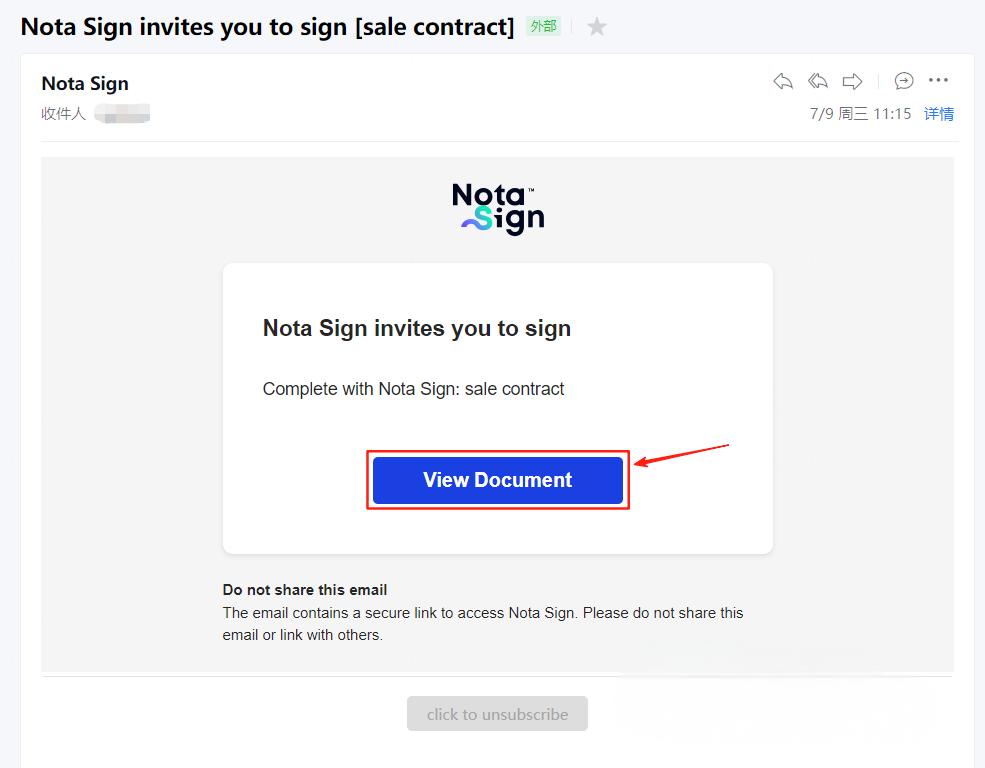
You can enter the envelope to be signed in the following two ways:
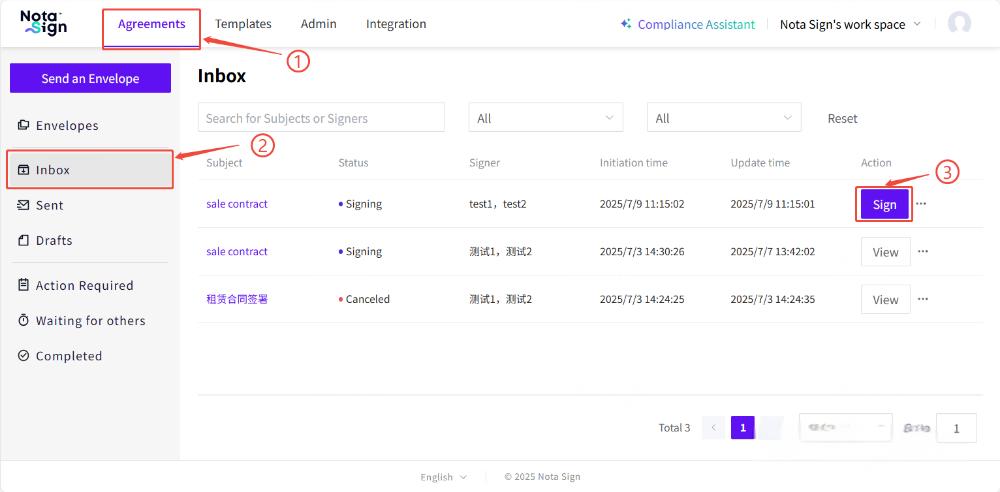
Method 1: Receive envelopes through the Nota Sign workbench
-
Log in to the Nota Sign workbench and enter the [Sign] page;
-
Click on “Inbox” from the left menu to view the list of envelopes to be signed;
-
Find the target envelope and click the ‘Sign’ button on the right to start signing.
2) Method 2: Receive envelopes through email
Please check your email inbox for the signing invitation from Nota Sign, click the ‘View Document’ button to enter the signing page.