Register and Log In to Nota Sign Platform
Video Tutorial:
Registration Process
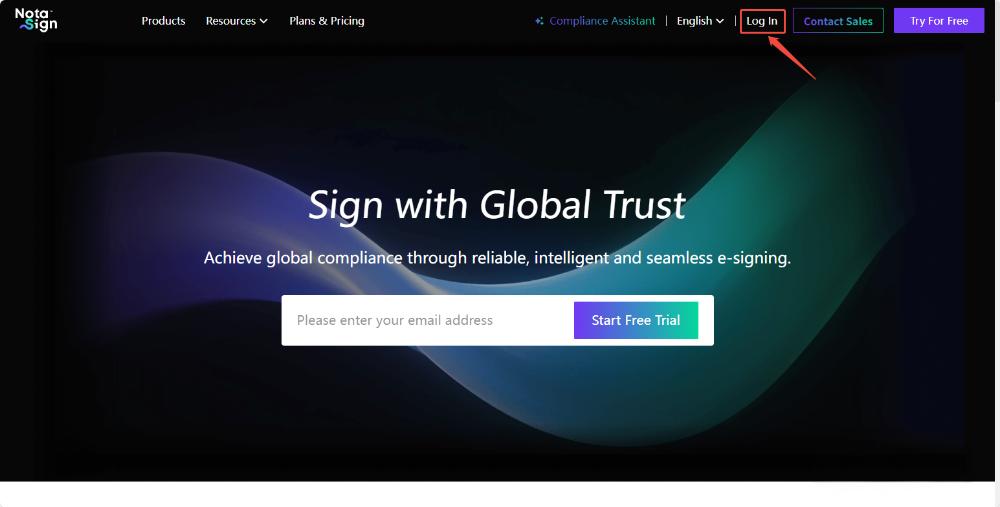
Step 1: Navigate to the Nota Sign Homepage
Open your browser and go to https://www.notasign.com
Click Log In in the top-right corner of the homepage.
Step 2: Create a Personal Account
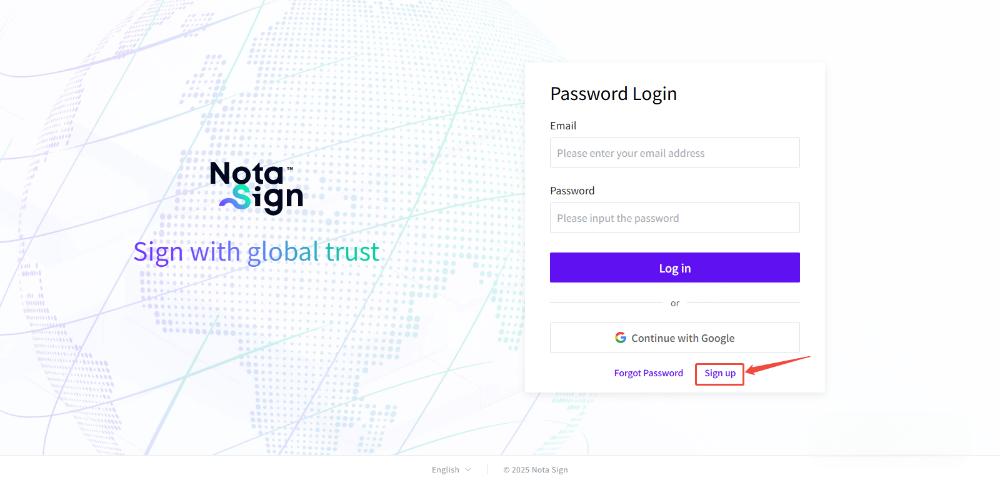
- On the Log In page, click Sign Up at the bottom right.
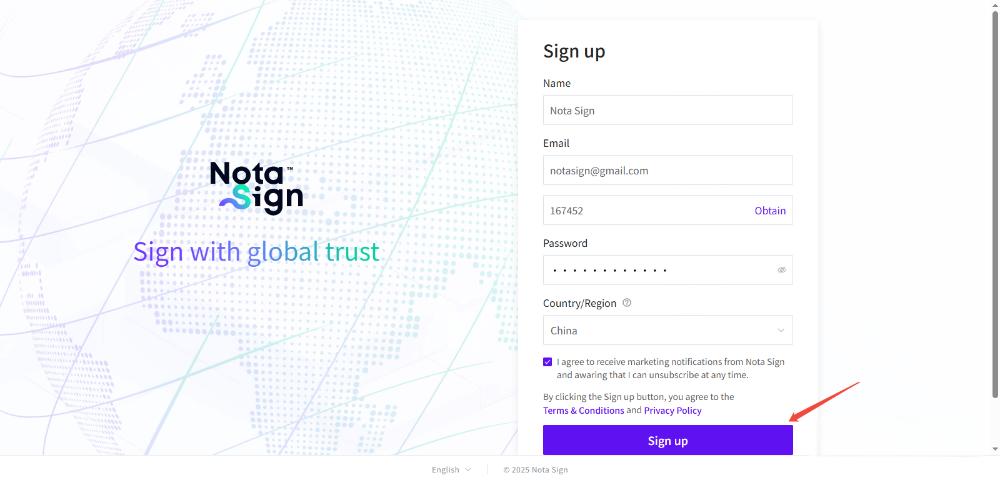
- Complete the registration form by providing the following information:
Name: Enter username.
Email: Provide a valid corporate or personal email. A verification code will be sent to this address.
Password: Create a strong password (minimum 12 characters, including letters, numbers, and symbols).
Country/Region: Select your country/region from the dropdown list.
Review and agree to Nota Sign’s Terms & Conditions and Privacy Policy by checking the acknowledgment box.
Click Sign Up to complete registration.