
Notification Settings
On the Personal Center page, there is a "Notification Settings" section used to configure the user's global notification preferences across spaces. Currently, only envelope-related message notification settings are provided.
Three main types of notifications are available: 1. Notifications received when the user is the sender; 2. Notifications received when the user is the recipient; 3. Notifications received when the user is the CC'd person.
1.When the user is the sender, all SMS channels are disabled, and all email channels are checked by default. Except for the two scenarios [Recipient Rejects] and [All Recipients Completed Signing], users can freely choose whether to check or uncheck each option. 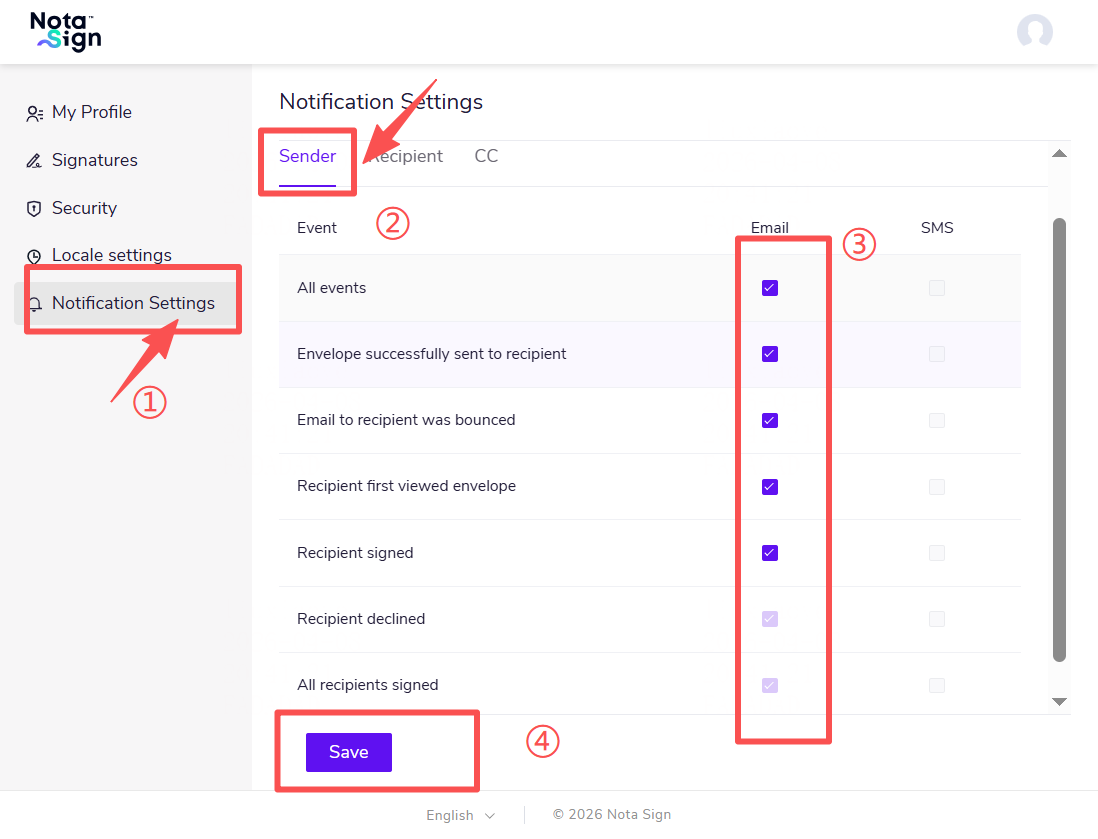
2.When the user is the recipient, both SMS and email channels are checked by default. Users can freely choose whether to check or uncheck each option. 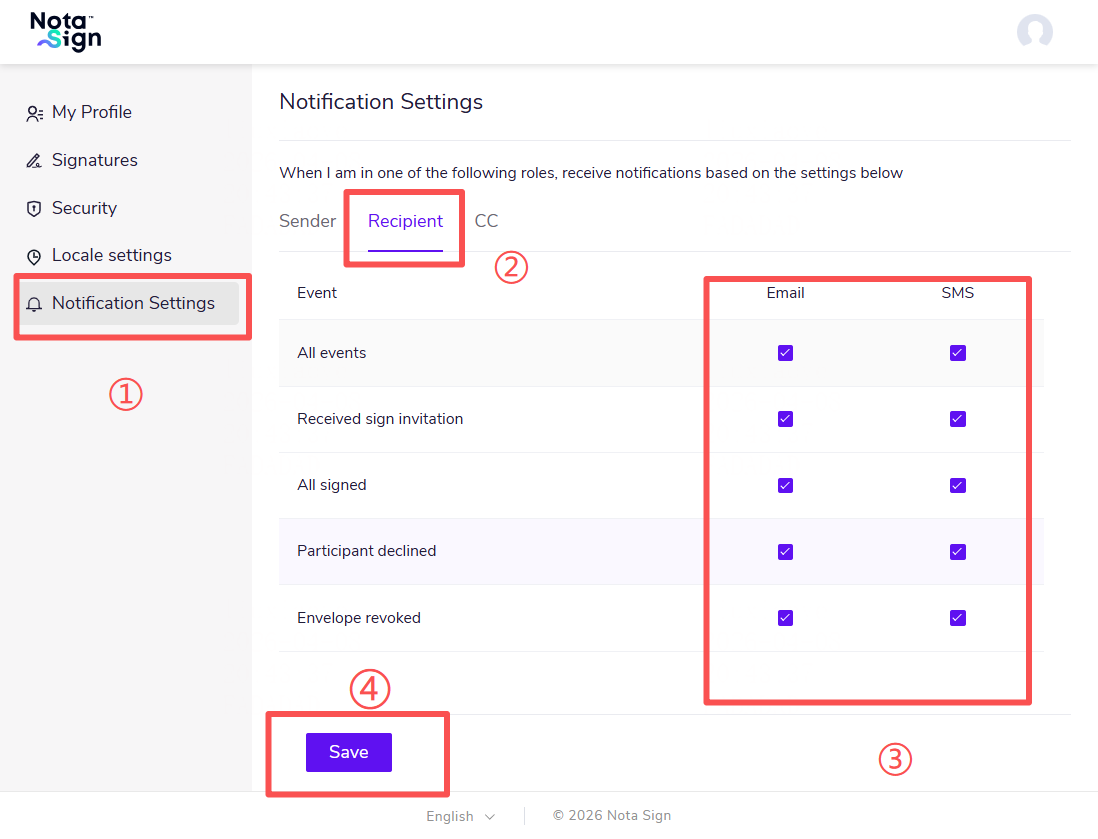
3.When the user is the recipient, both SMS and email channels are checked by default. Users can freely choose whether to check or uncheck each option. 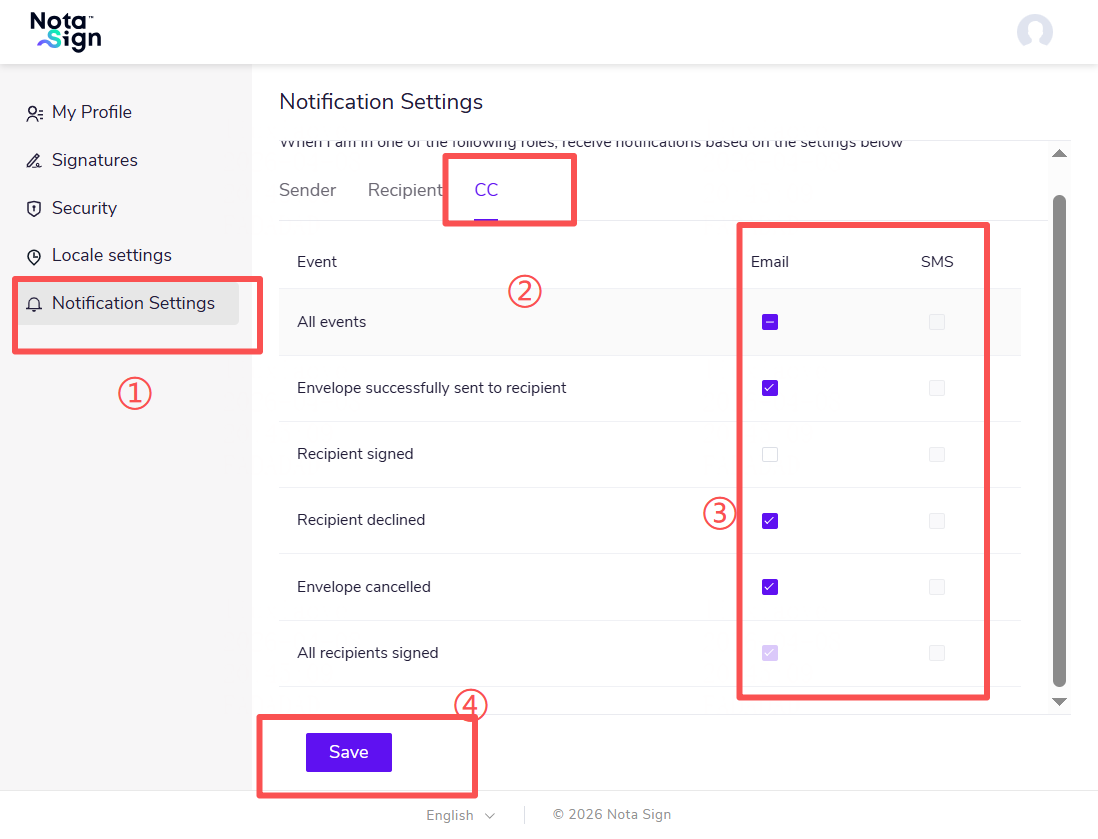
4.After the user completes all settings, click [Save] to store the relevant notification preferences.