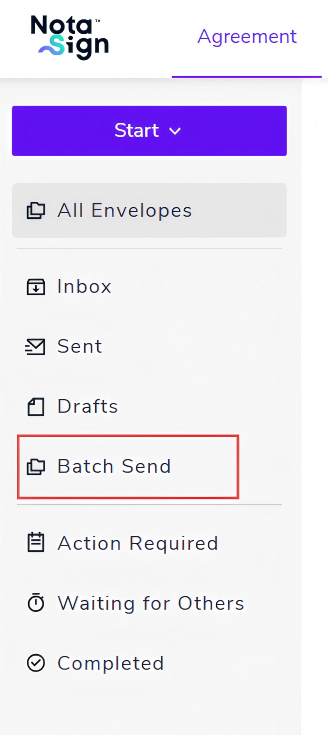
Bulk Send
The Bulk Send feature supports sending the same document to a large number of recipients under the same role, improving data-entry efficiency and enabling unified signing settings.
Batch Search
- Add a status filter to the Sent list.
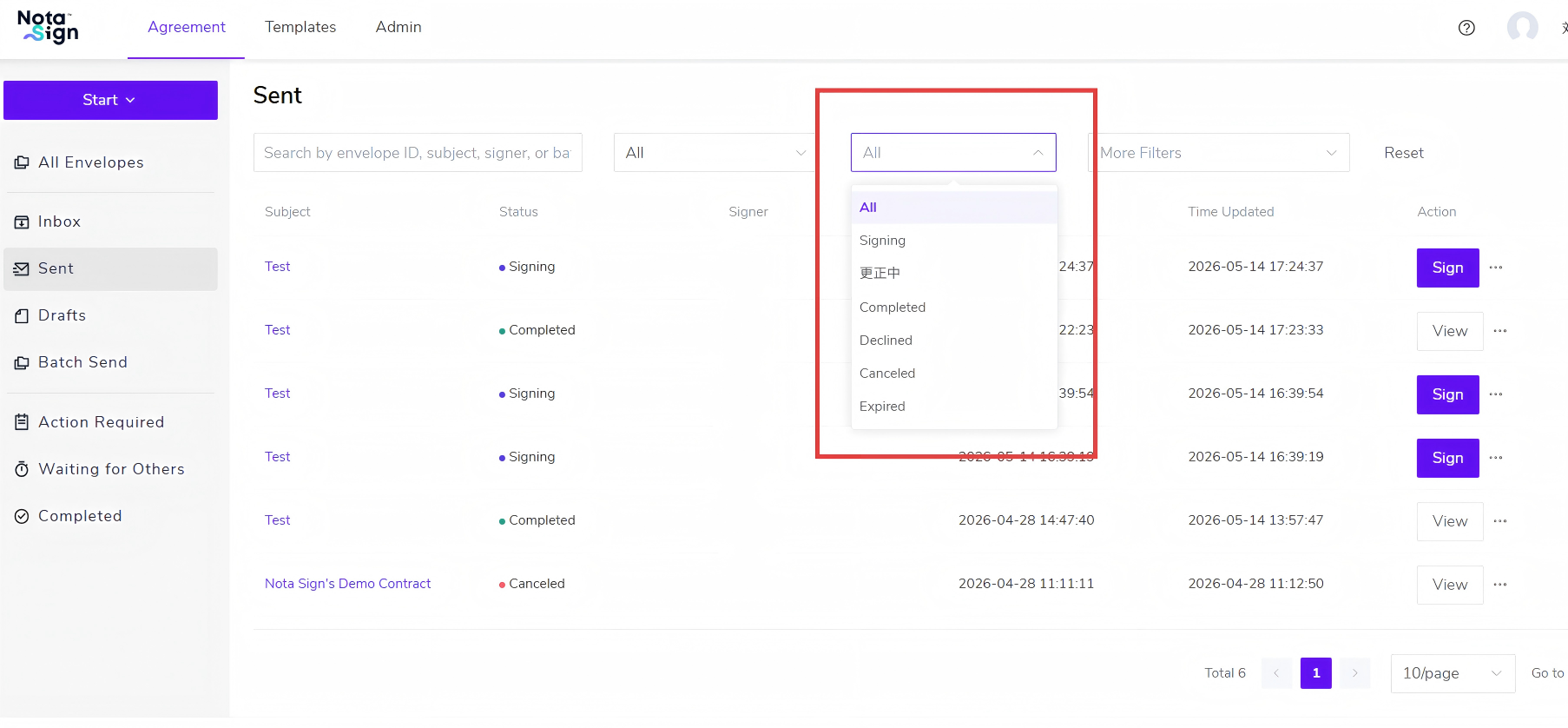
- Add an exact search for Batch ID in the search box.

- The Professional edition will display the Bulk Send menu, showing bulk-send tasks initiated by the user in the current workspace.