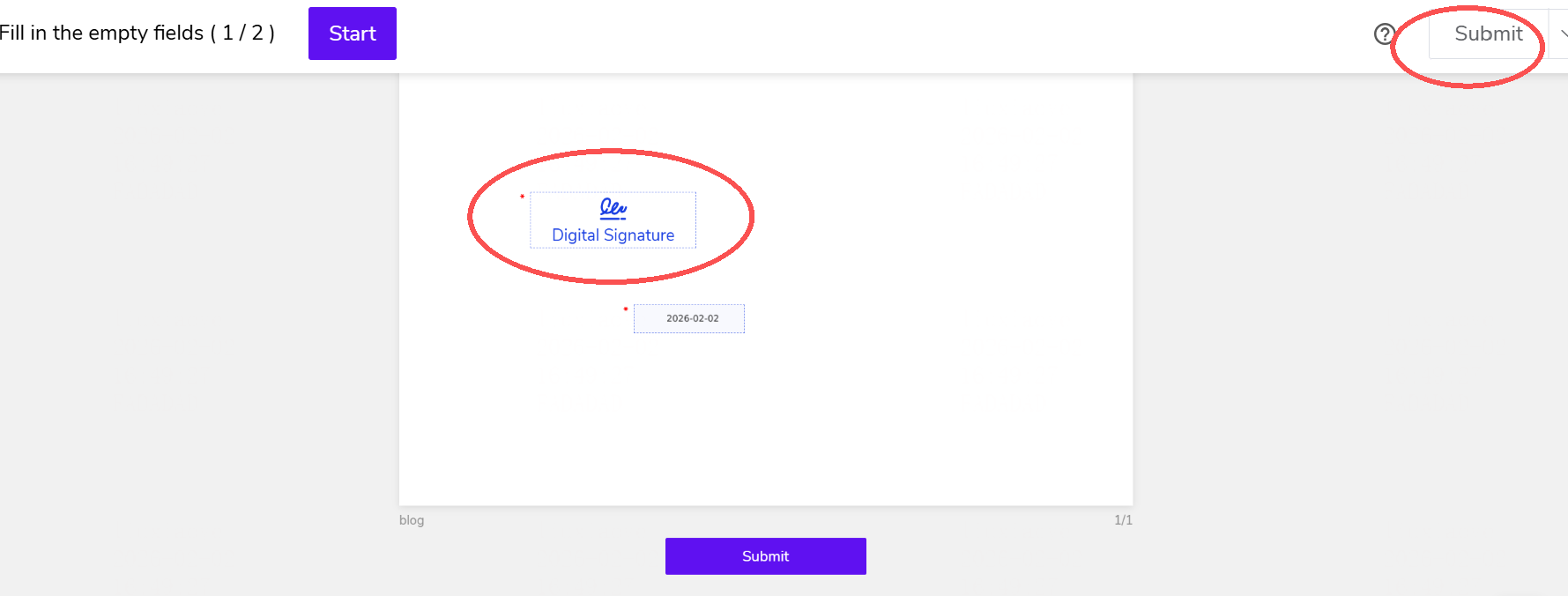
iAM Smart Initiated Signing
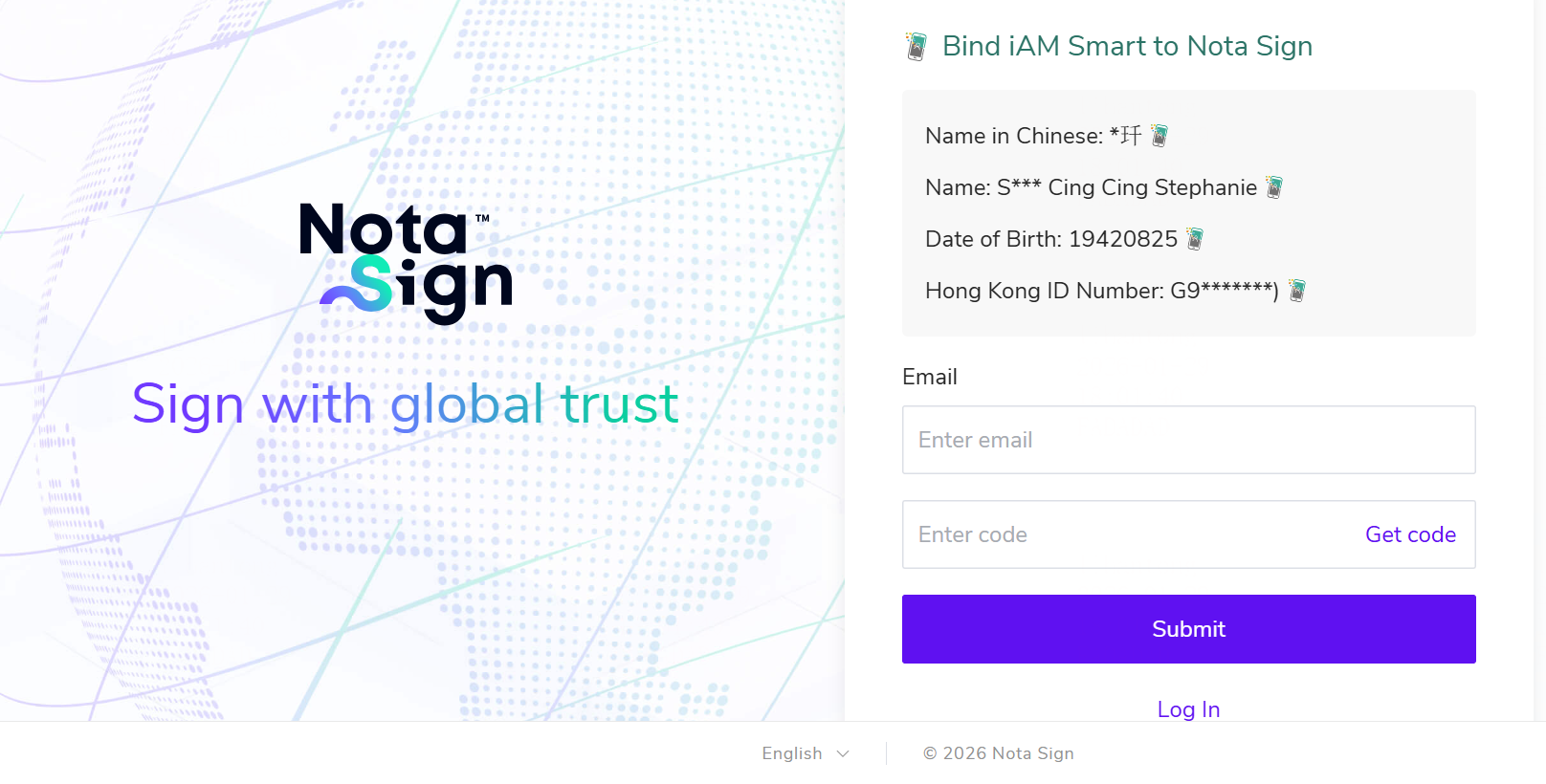
iAM Smart Identity Verification and Account Binding
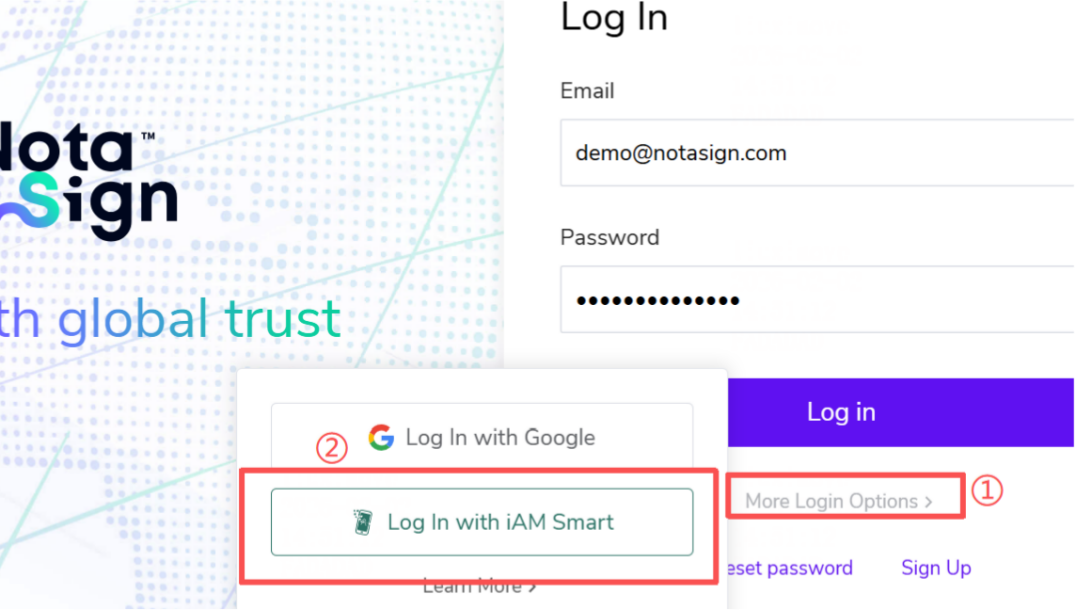
- On the login page, click on "More Login Options" and select iAM Smart for identity verification and login.
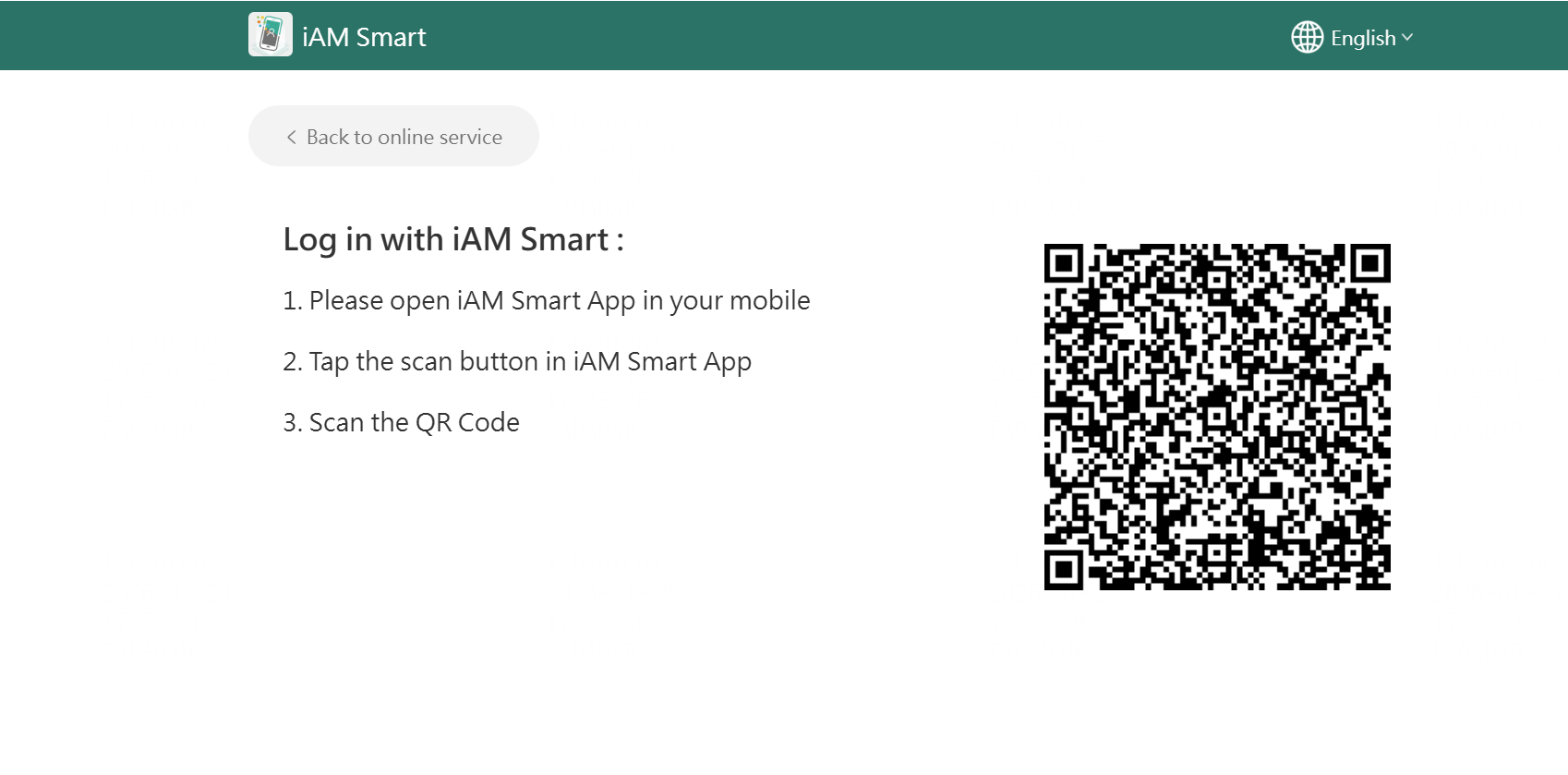
- Open the iAM Smart app to scan the QR code and bind your iAM Smart account.
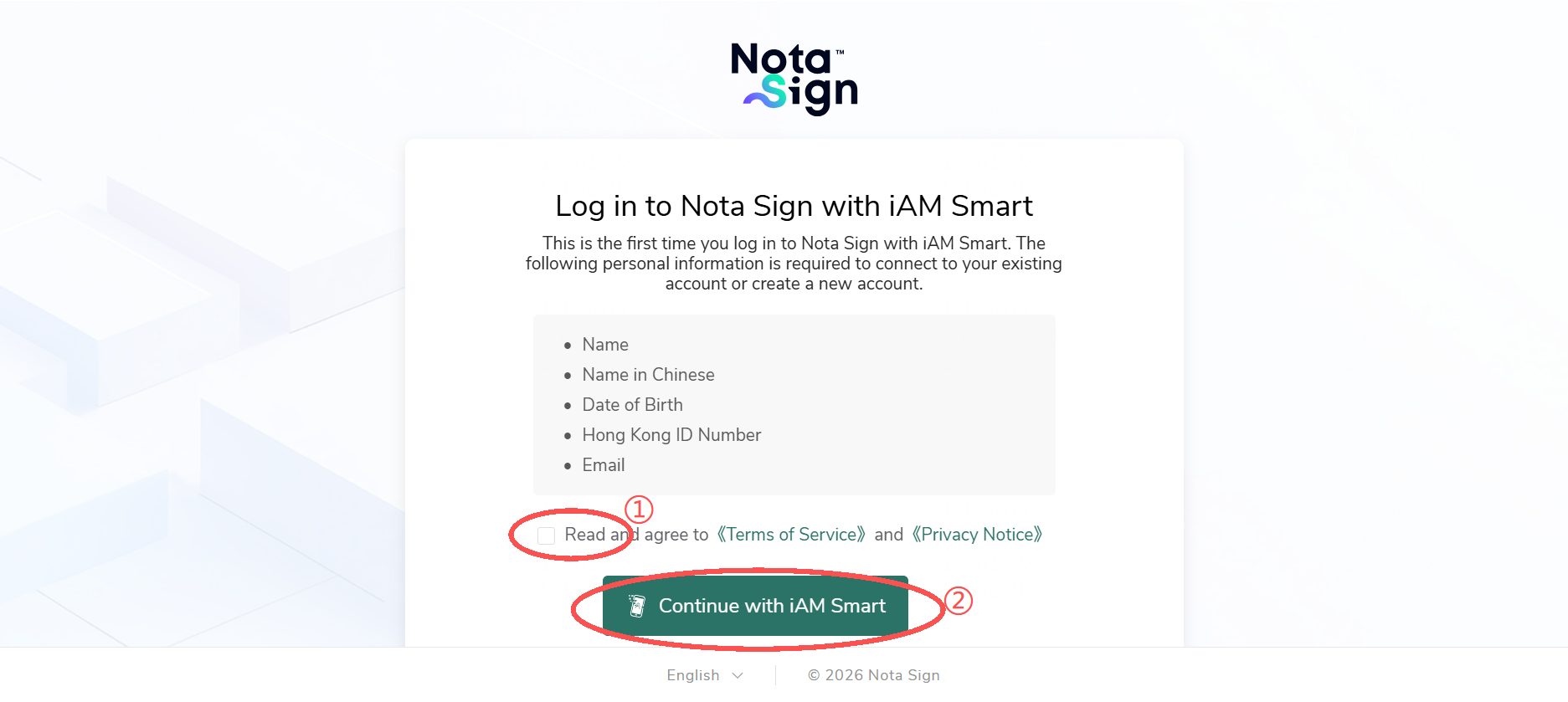
- Use iAM Smart to complete the form filling.
- Verify your email address to successfully activate your account. The system will log you in automatically.
Initiating a Digital Signature Envelope
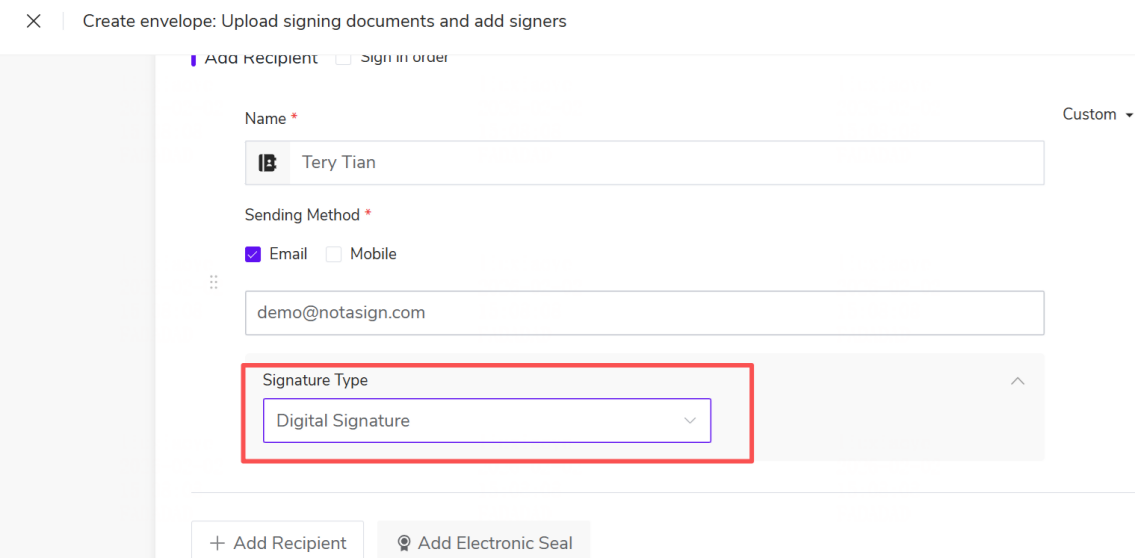
- Initiate a signature and fill in the relevant information. During initiation, select "Digital Signature" as the signature type.
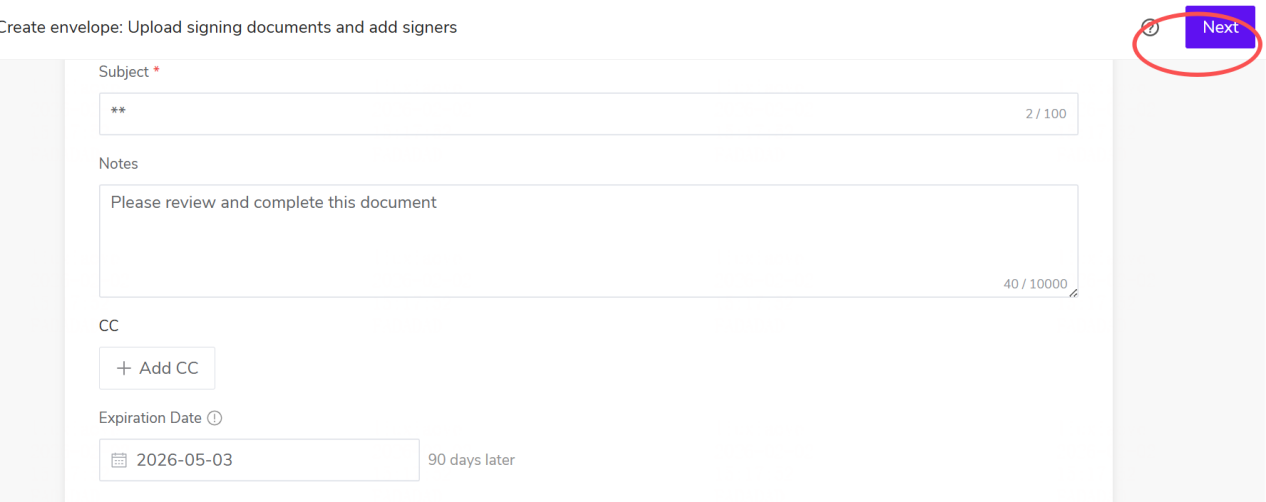
- After completing the relevant information, click "Next".
- Set the digital signature placement for the signer(s), then click "Initiate".