
Configuring IdP in Nota Sign
You must have Nota Sign (SP) administrator permissions.
How to Configure an IdP
- Log in to your Nota Sign and click Global Settings.
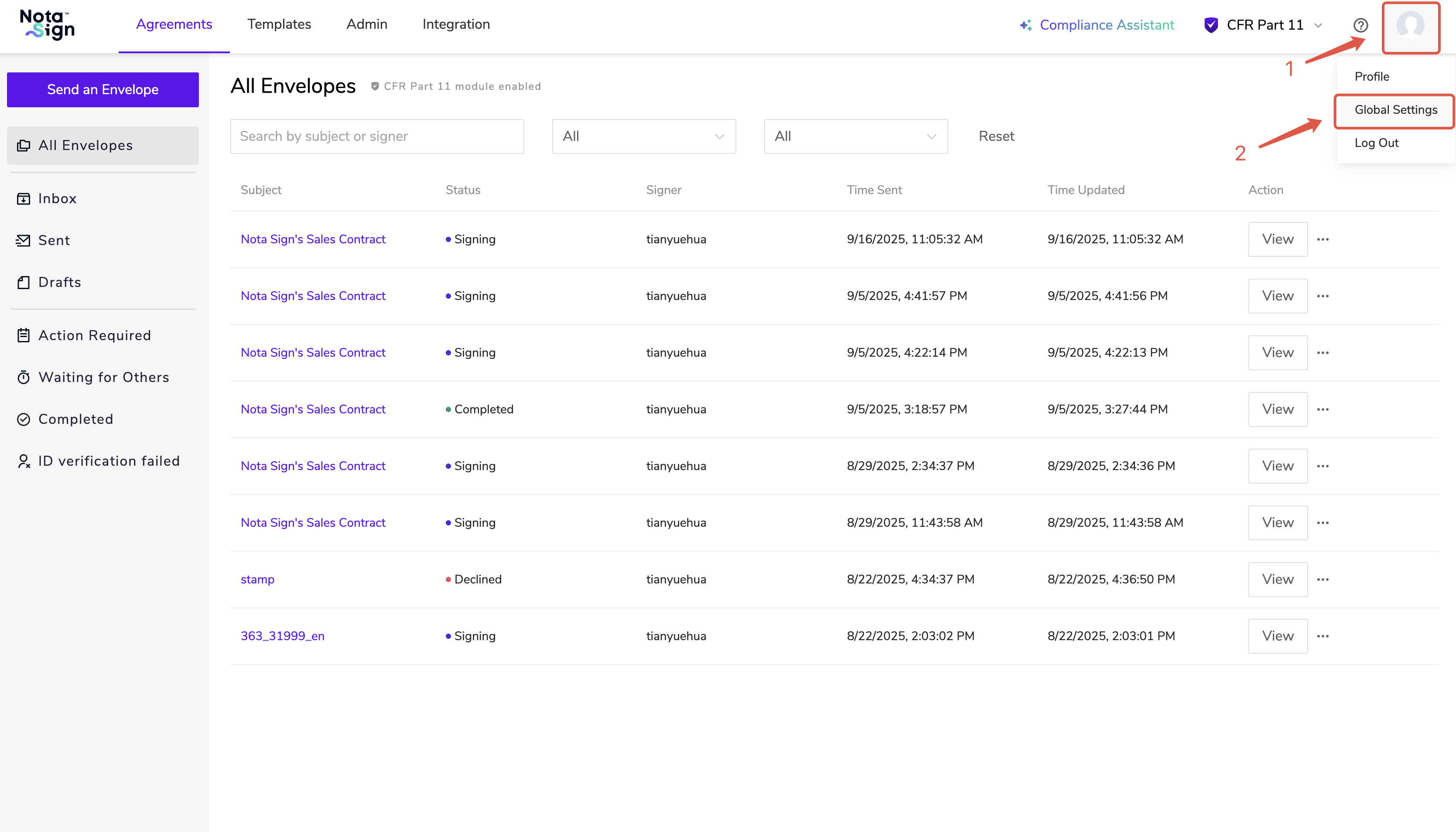
- Click Identity Providers and select Add Identity Provider.

- Enter the IdP name and select the protocol type (currently only SAML 2.0 is supported), then click Save.

- Upload the downloaded metadata file, or manually enter IdP information, then click Save to complete the binding.

How to Disable an IdP
- Log in to your Nota Sign and click Global Settings.
- Click Identity Providers, select the IdP you wish to disable, and click its corresponding Manage Settings.

- Click the Enabled button.

- After disabling the IdP, you may delete it from the Identity Providers page.
