Log in with iAM Smart
Video Tutorial:
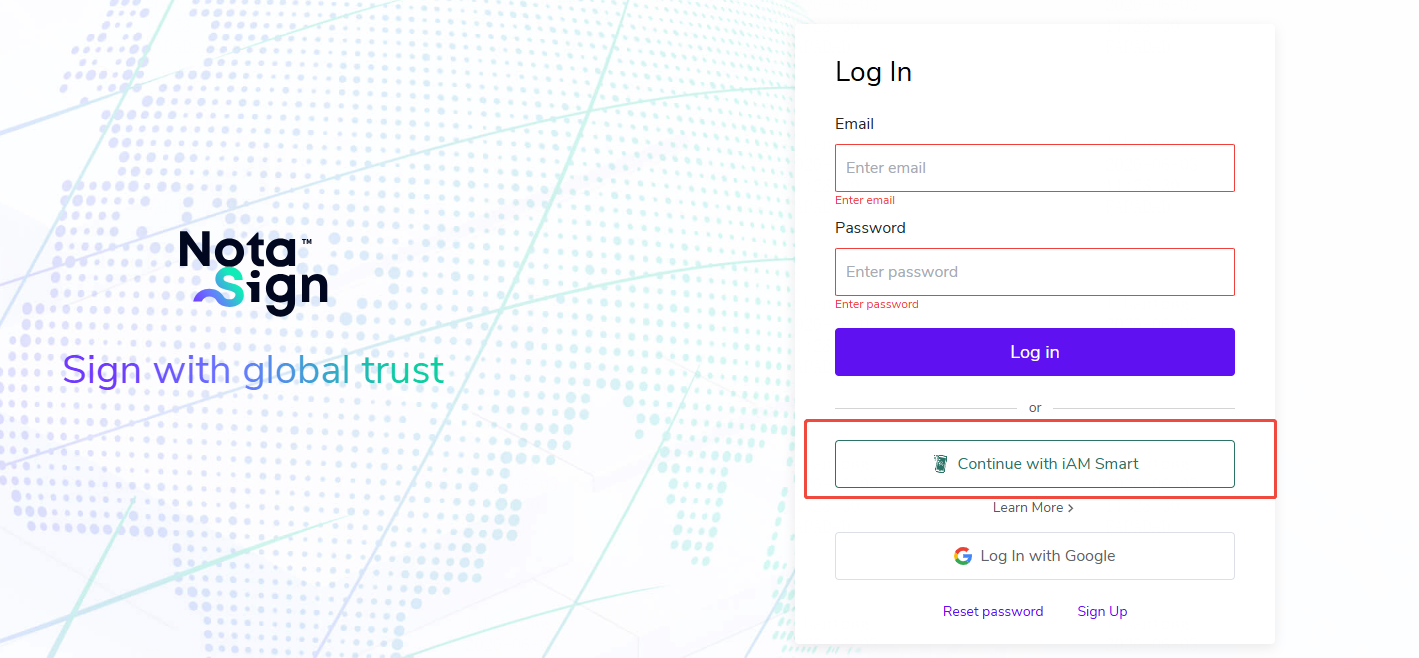
- On the Nota Sign login page, select "Continue with iAM Smart";
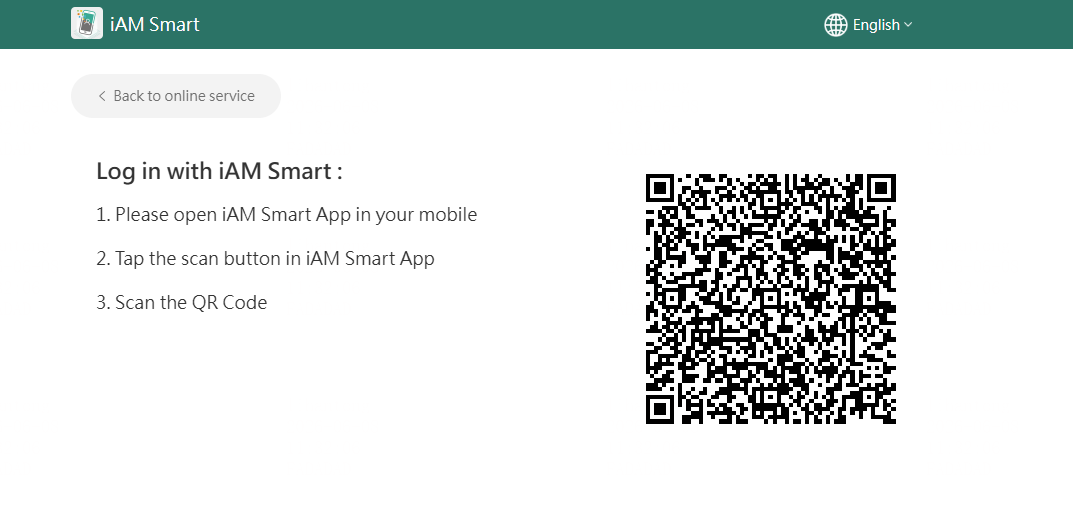
- Use the "Scan" function at the bottom of the iAM Smart app homepage to scan the QR code on your computer, then tap "Continue" to return;
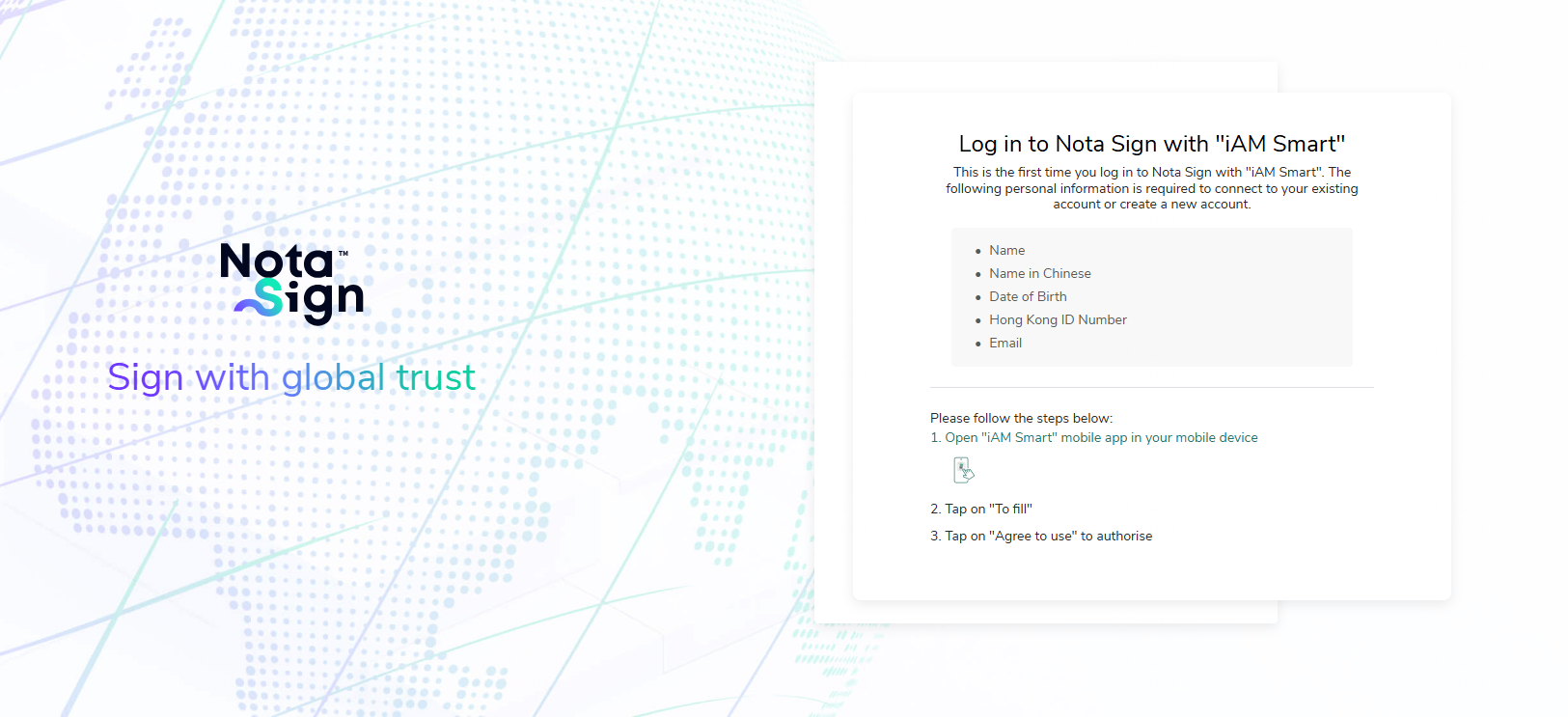
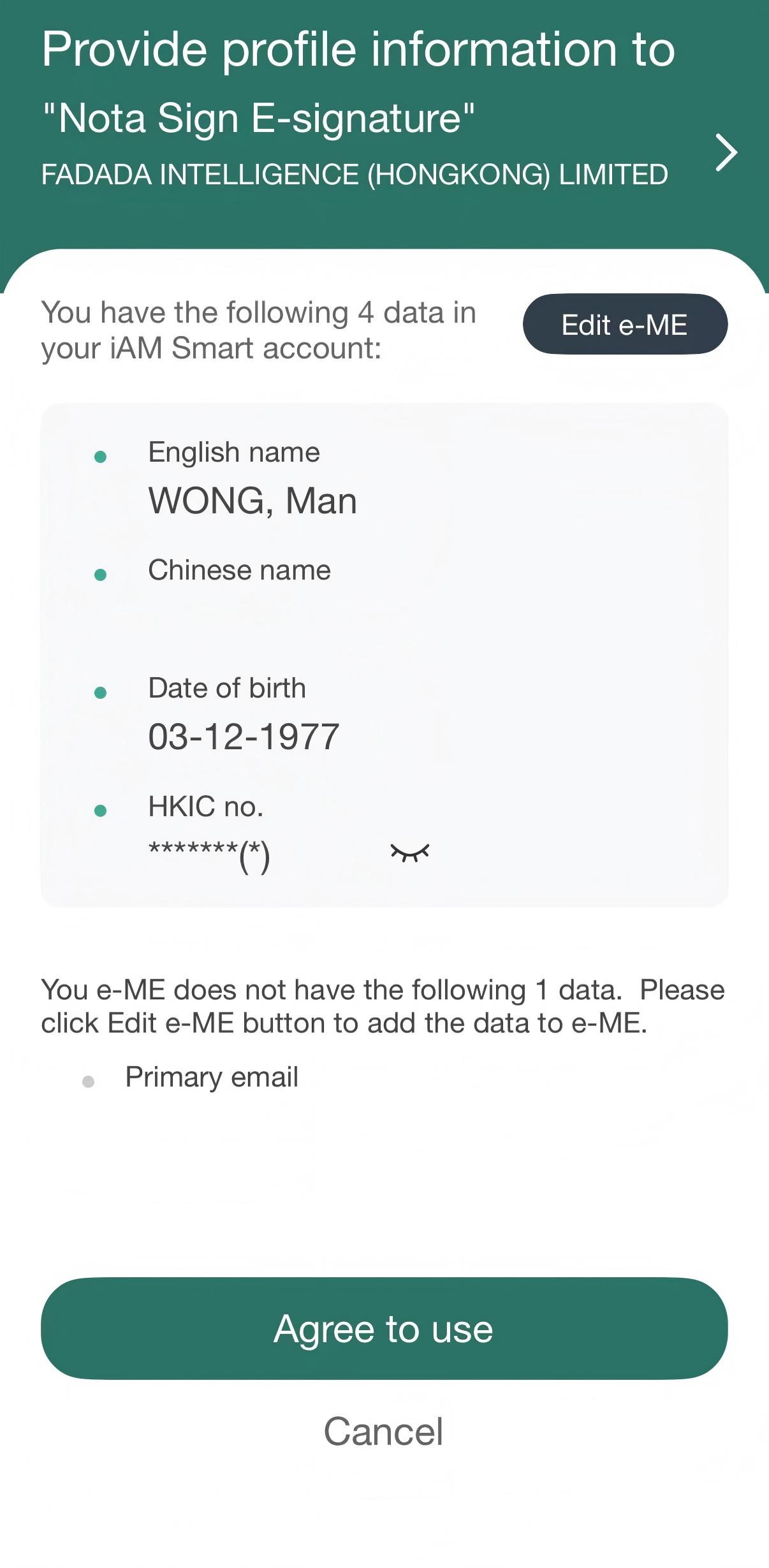
- Fill in the form that appears in the mobile app and tap "Continue";
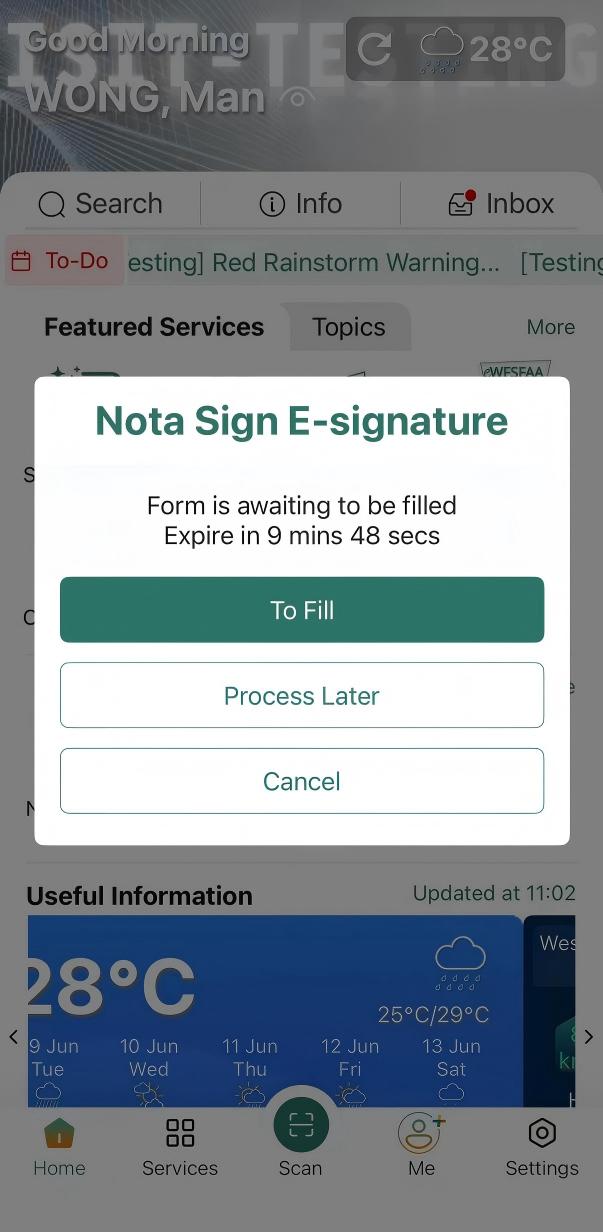
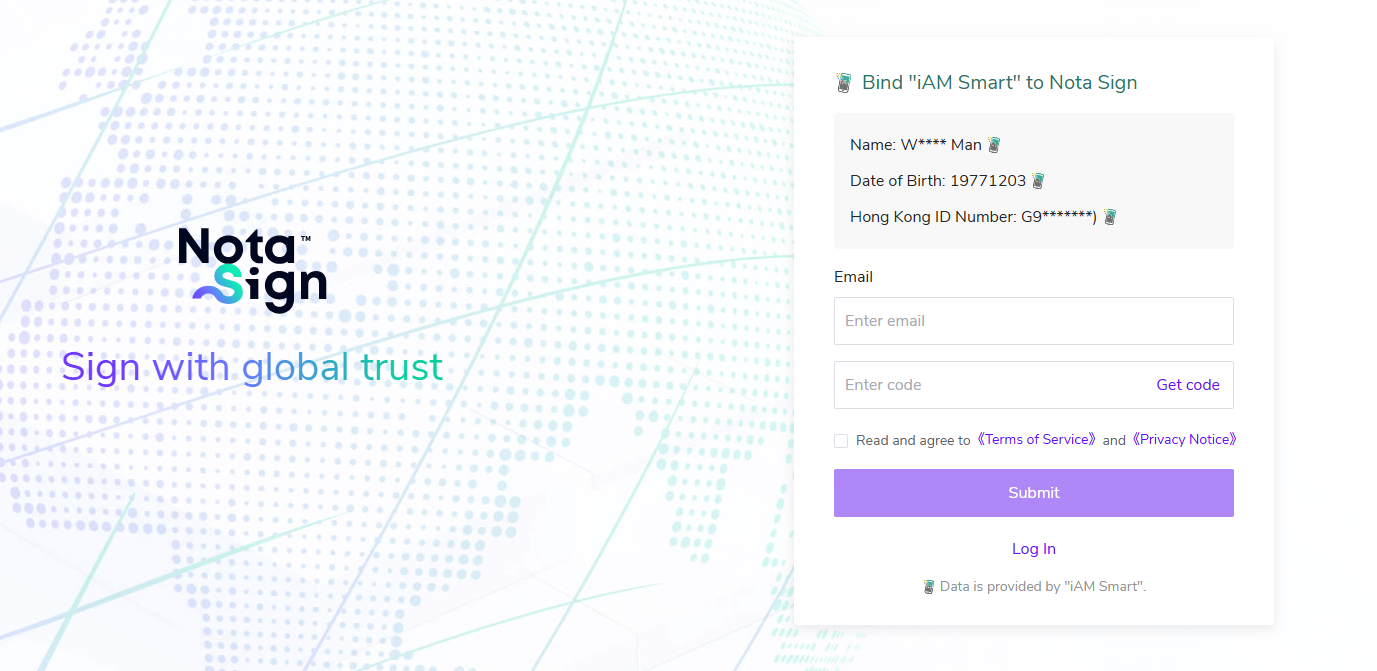
- Tap "Agree", return to your computer to enter your email address, receive and enter the verification code, and complete the login.